
On this page
- PM-JAY and ABDM are not the same thing
- What ABDM asks of a hospital's software
- Where Tapti stands
- What it looks like at the registration desk
- What PM-JAY asks of a hospital's software
- What Tapti HMIS covers
- Eight questions to ask any vendor
- Red flags in "ABDM ready" claims
- Why this matters for your registration desk
- Checklist you can use in a demo
- Ready to test it?
- Frequently asked questions
- Is Tapti HMIS ABDM compliant?
- What do ABDM milestones M1, M2 and M3 mean?
- Is there a PM-JAY certificate for HMIS software?
- Can patients create ABHA without Aadhaar?
- What if the patient already has an ABHA?
- Is ABDM included in every Tapti plan?
- Does Tapti HMIS integrate with the PM-JAY portal?
- Does Tapti handle insurance and TPA claims?
Two acronyms dominate hospital software sales in India today: PM-JAY and ABDM. Vendors put both on brochures. Few explain what they actually need from your software, and fewer let you verify the claim.
This guide separates the two, tells you what each means for a hospital, and gives you the questions that expose a weak "ABDM ready" claim. It is a buyer's guide, not legal advice. Always confirm current requirements with the official bodies.
PM-JAY and ABDM are not the same thing
Both sit under the Ayushman Bharat umbrella, but they do different jobs.
PM-JAY (Pradhan Mantri Jan Arogya Yojana) is a government health assurance scheme. It funds eligible families' hospital treatment, and empanelled hospitals provide that care and claim reimbursement. For a hospital, PM-JAY is mostly a claims and patient-eligibility workflow.
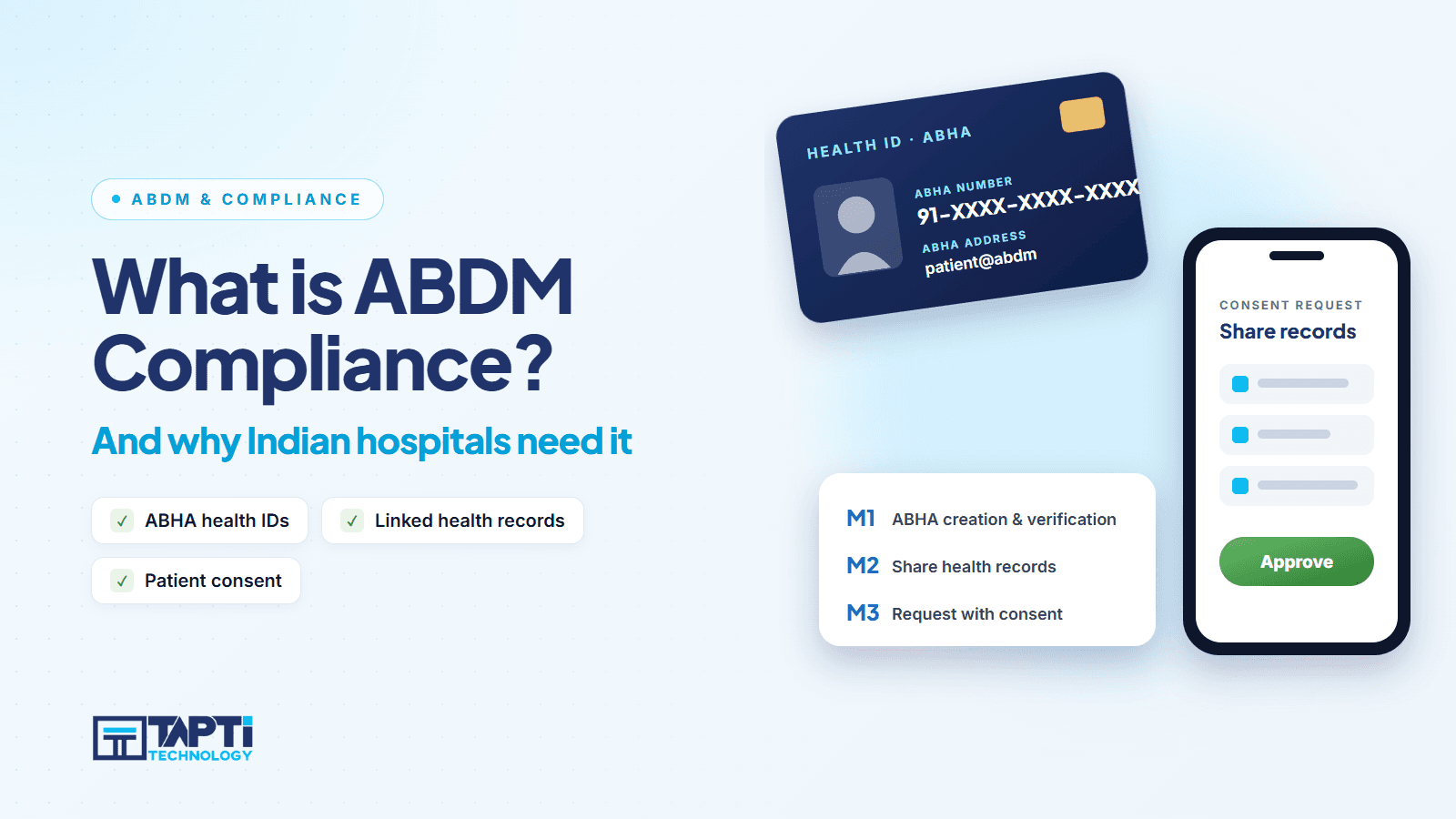
ABDM (Ayushman Bharat Digital Mission) is the national digital health ecosystem. It creates a digital identity for patients (the ABHA), and defines how health records can be linked and exchanged with patient consent. For a hospital, ABDM is mostly a registration and records workflow.
So "PM-JAY ready" and "ABDM ready" are separate claims. A system can be strong on one and weak on the other. Do not accept one badge as proof of both.
What ABDM asks of a hospital's software
ABDM integration is organised into milestones. In plain terms:
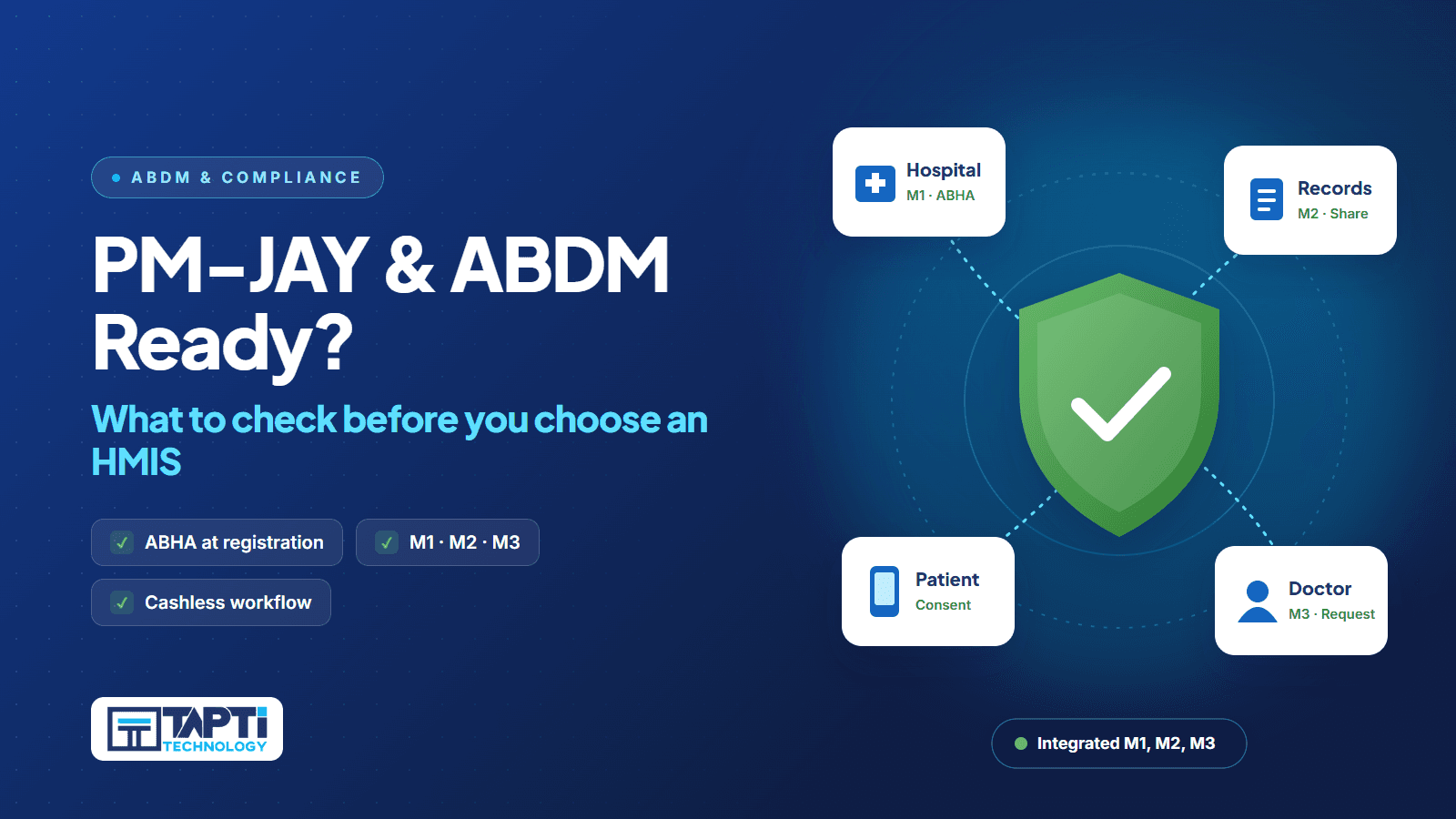
M1: ABHA creation and verification at registration
M2: Linking and sharing health records as a Health Information Provider
M3: Requesting records with patient consent as a Health Information User
A vendor that says "ABDM compliant" without naming milestones has told you almost nothing. Ask which milestones are integrated.
Where Tapti stands
Tapti HMIS is officially ABDM-integrated for milestones M1, M2 and M3, listed by the National Health Authority as an ABDM integration partner (integration completed 18 Sep 2026). You can check the listing yourself on the NHA partner page at abdm.gov.in/our-partners. We would rather you verify than trust us.
What it looks like at the registration desk
The practical test is the front desk. In Tapti HMIS, ABHA is created, verified or linked on the same registration screen:
Create a new ABHA through the Aadhaar OTP flow, with ABHA address suggestion
Create an ABHA through the Driving Licence document flow, for patients without Aadhaar to hand
Verify and link an existing ABHA to the hospital record, and unlink if needed
Generate ABHA QR codes and display the ABHA card
Look up a patient by scanning their ABHA QR code
Check the ABDM gateway connection and a patient's ABDM status
See the full list on the ABDM module page.
What PM-JAY asks of a hospital's software
PM-JAY itself is a scheme, not a software standard, and we are not aware of a single "PM-JAY certified" badge for an HMIS. What a hospital needs from software is the work around the scheme:
Identify the beneficiary and record the admission properly
Capture a complete clinical record for the stay: diagnosis, treatment, investigations, surgery, discharge
Bill accurately, with the right procedures and charges
Track claim status through submission, payment and rejection
Keep documents and records ready for audit
Be careful with any vendor that claims instant, automatic PM-JAY handling without showing it. Ask exactly which steps the software performs and which remain on a government portal your staff use separately.
What Tapti HMIS covers
To be plain about Tapti's position: Tapti HMIS has no PM-JAY portal integration. PM-JAY claims are filed on the government portal. What Tapti HMIS provides is the supporting workflow around it, the cashless and insurance admission steps that come before and after the portal:
A TPA master, cashless request per IPD admission and pre-authorisation management
A cashless file dashboard with counts for pending, outstanding and completed files
Recording of submission, payment and rejection, with claim form printing
Mediclaim data linked to the IPD invoice
19 configurable IPD treatment sub-modules that build the clinical record for a stay
Surgery and OT records, including operation notes
An audit trail of every create, update and delete
On the ABDM side, Tapti HMIS shares patient health records (the EMR) through ABDM. That is milestone M2: linking and sharing health records as a Health Information Provider.
Read the detail on the Mediclaim module. If your hospital is empanelled under PM-JAY, bring your exact process to the demo and ask us to show which steps run inside Tapti and which stay on the portal. You will get a straight answer.
Eight questions to ask any vendor
Which ABDM milestones are integrated: M1, M2, M3? Ask for each one by name.
Where is your official listing? The National Health Authority publishes its integration partners. A genuine claim can be verified there.
Can you show ABHA creation live, inside registration? If it happens in a separate portal, your front desk will skip it.
Can patients without Aadhaar be handled? Ask about alternate flows.
How do you handle an existing ABHA? Verify, link and unlink should all work.
Which parts of insurance and scheme claims run inside the software? Make them show submission, payment and rejection tracking.
Who updates the software when requirements change? Government specifications evolve. Ask how updates are delivered and whether they are included.
Is the claim in writing? Put the vendor's statement into the contract or the quote.
Red flags in "ABDM ready" claims
The word "compliant" with no milestones or listing
A certificate number that cannot be found anywhere official
"ABDM available" meaning the vendor plans to build it
A separate paid module for ABHA creation at registration
Screenshots but no live demonstration
No answer to "who do I call when the ABDM gateway fails?"
Note that Tapti does not quote a certificate number for ABDM, because the official NHA certificate does not carry one. The proof is the listing and the certificate itself (view the certificate).
Why this matters for your registration desk
ABHA creation is only valuable if it is fast. If it adds three minutes per patient, front-desk staff will quietly stop doing it. That is why integration inside the registration flow, and not at the end of it, is the real test. You can see how registration, appointment and consultation connect in the OPD module, and how a queue behaves in our OPD queue guide.
For a plain-language primer on ABDM itself, read what is ABDM compliance.
Checklist you can use in a demo
☐ Milestones M1, M2, M3 named by the vendor
☐ Official listing opened and read together
☐ ABHA created live from the registration screen (Aadhaar OTP)
☐ Alternate document flow shown
☐ Existing ABHA verified and linked
☐ QR code scan and ABHA card shown
☐ Gateway status check shown
☐ Cashless admission walked through: request, submission, payment, rejection
☐ Claim form printed
☐ Update policy confirmed in writing
Ready to test it?
Book a free demo, bring your registration desk's real workflow, and ask us to prove each line above. Book a demo. To compare overall fit, read the HMIS software for India overview.
Frequently asked questions
Is Tapti HMIS ABDM compliant?
Tapti HMIS is officially ABDM-integrated for milestones M1, M2 and M3, listed by the National Health Authority as an ABDM integration partner (integration completed 18 Sep 2026).
What do ABDM milestones M1, M2 and M3 mean?
M1 is ABHA creation and verification at registration. M2 is linking and sharing health records as a Health Information Provider. M3 is requesting records with patient consent as a Health Information User.
Is there a PM-JAY certificate for HMIS software?
PM-JAY is a scheme, and we are not aware of a single software certificate that covers it. Ask each vendor which workflow steps their software performs and verify any badge they show.
Can patients create ABHA without Aadhaar?
In Tapti HMIS, yes. Alongside the Aadhaar OTP flow, ABHA can be created through the Driving Licence document flow.
What if the patient already has an ABHA?
The existing ABHA is verified and linked to the patient's hospital record. It can also be unlinked later.
Is ABDM included in every Tapti plan?
Yes. ABDM is included in the Standalone Modules, OPD + IPD and Full Suite packages. See the price guide.
Does Tapti HMIS integrate with the PM-JAY portal?
No. Tapti HMIS has no PM-JAY portal integration, and scheme claims are filed on the government portal. The HMIS supports the workflow around it: admission records, billing, cashless request tracking and documents ready for audit. Health records are shared through ABDM (M2).
Does Tapti handle insurance and TPA claims?
Yes, within the HMIS. TPA master, cashless requests, file submission, payment recording, rejection tracking and claim form printing are built into the IPD workflow, with mediclaim linked to the IPD invoice.