
On this page
- What is an OPD queue management system?
- Why OPD queues break down
- Walk-in, appointment or hybrid?
- Features that matter in OPD queue software
- 1. Doctor-wise queues
- 2. Printed tokens and a waiting-area display
- 3. Live patient calling
- 4. Staff-to-reception messaging
- 5. Fast registration with search
- 6. Consultation inside the same flow
- 7. Follow-up tracking
- 8. Billing that follows the visit
- 9. A dashboard for the administrator
- What to ask vendors about tokens specifically
- A rollout plan that works
- Measuring whether it worked
- Where OPD queues connect to the rest of the hospital
- See your own queue running
- Frequently asked questions
- What is an OPD token system?
- How does an OPD queue management system work?
- Can OPD software handle walk-ins and appointments together?
- Do I need a display board in the waiting area?
- Can the doctor call the next patient without the receptionist?
- Can OPD be bought on its own?
- How long does it take to implement?
Every hospital has an OPD queue. The only question is whether the software manages it or the receptionist's memory does.
Walk into any busy outpatient department at 10 am. Patients clutch paper slips. Someone asks "when is my turn?" for the fourth time. A relative argues that they came first. The doctor sends a ward boy to ask the front desk who is next. None of this is a staffing problem. It is a missing system.
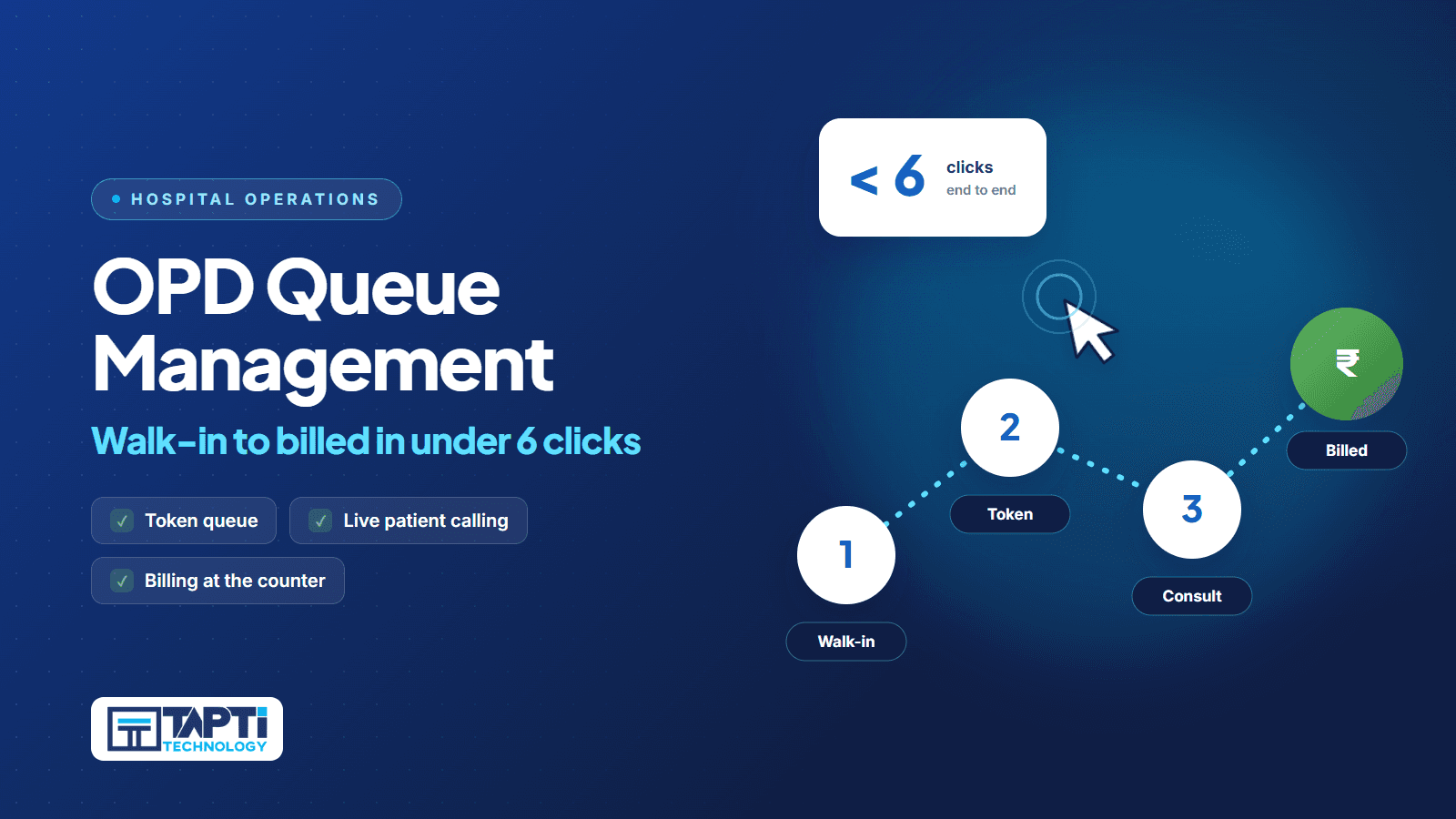
This guide explains how an OPD queue or token system actually works, what it should do for walk-ins and booked patients, how to roll one out, and what to ask when evaluating software. If you want to see one live, our OPD queue management page shows the flow, and the OPD module lists the capabilities. For the click-by-click path from walk-in to bill, read our walk-in to billed in under 6 clicks post.
What is an OPD queue management system?
An OPD queue management system is software that registers each outpatient visit, assigns the patient a place in the doctor's line, shows everyone the current status, and tells the doctor and front desk who is next. A token is simply the patient's number in that line.
A good system answers three questions at any moment:
Who is waiting for Dr. Sharma right now?
Who is inside the cabin?
Who is next?
Without software, those answers live in the receptionist's head or on a notebook page.
Why OPD queues break down
Queues fail in predictable ways:
Mixed arrivals. Booked patients, walk-ins, follow-ups and referrals all arrive together, with no agreed priority.
No signal from the cabin. The doctor finishes and the front desk finds out minutes later, so the room sits empty while the corridor fills.
Paper tokens that tell patients nothing. A number with no status is just a number.
Duplicate registration. The same patient is registered twice because the first record was hard to find.
Billing at the end. The prescription is done, but the patient now joins a second queue at the cash counter.
Each of these costs consultation time and patient goodwill.
Walk-in, appointment or hybrid?
Indian hospitals rarely have a pure model.
Walk-in only. Most small hospitals and many specialist OPDs. The patient arrives, registers, waits. The risk is long, unpredictable waits.
Appointment only. Works for follow-ups and specialities with fixed slots. The risk is that real life does not respect slots: emergencies and late arrivals are common.
Hybrid. The practical answer for most. Book what you can, accept walk-ins into the same doctor-wise list, and give the front desk one view of both. When you evaluate software, ask to see walk-ins and booked patients in the same queue for the same doctor.
Tapti HMIS manages the OPD queue in software: doctor-wise and date-wise views, with walk-ins and appointments handled in the same queue, so each consultant's day is one list.
Features that matter in OPD queue software
1. Doctor-wise queues
Every doctor needs their own line. A single combined list guarantees confusion in multi-doctor OPDs. Check that you can filter by doctor and by date.
2. Printed tokens and a waiting-area display
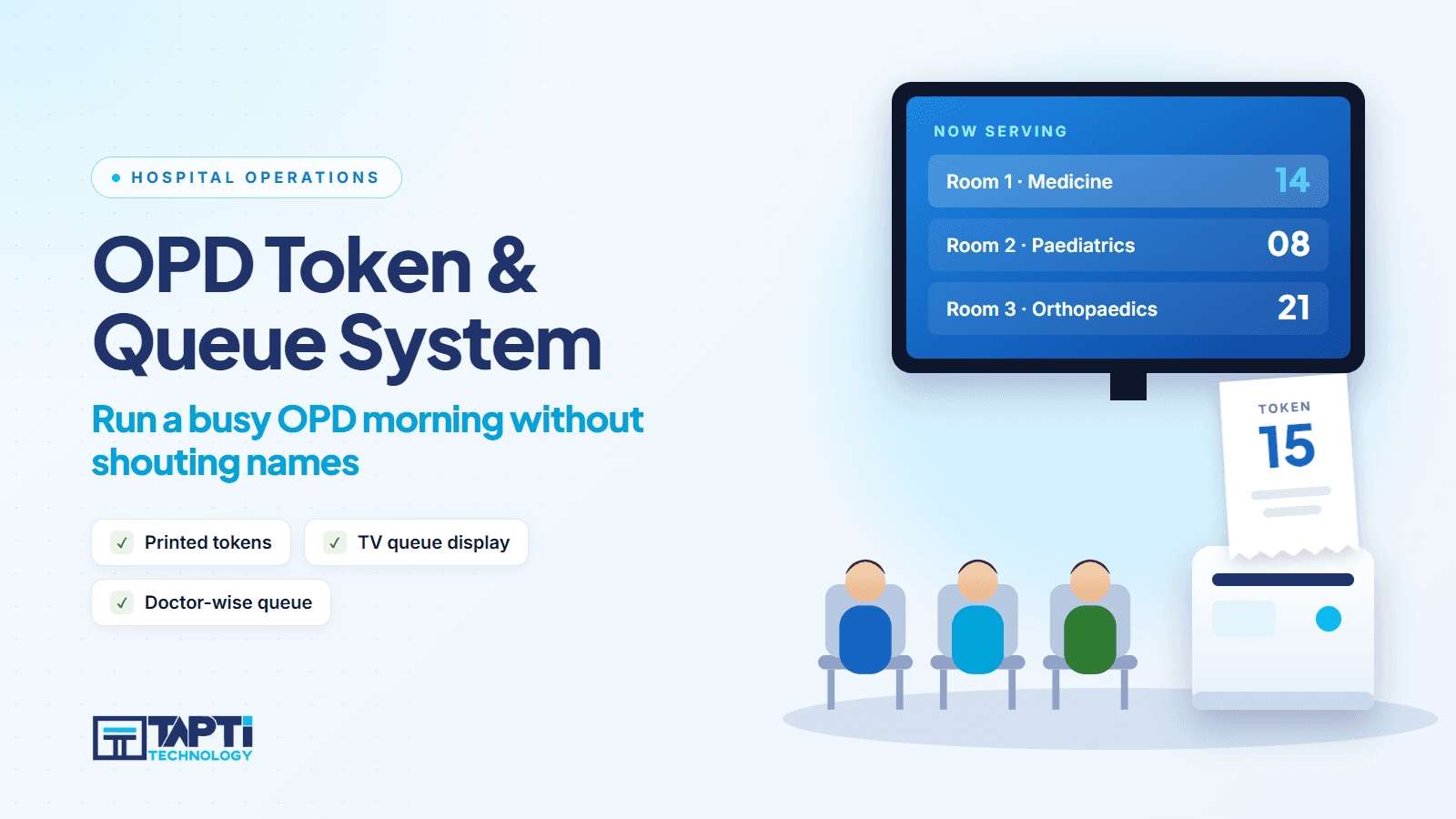
Patients should leave the desk holding a number, and see the queue move without asking. Tapti HMIS prints the OPD token at registration and shows the token queue on a TV display in the waiting area. The TV and printer are the hospital's own hardware; ask us in the demo what your setup needs.
3. Live patient calling
The doctor should call the next patient from the screen, and reception should see the status change as it happens. In Tapti HMIS, real-time patient calling is built in: when the doctor is ready, the next patient is called and the front desk sees the status change live. No phone calls or runners needed.
4. Staff-to-reception messaging
A consultant sometimes needs to reach the front desk without leaving the room. Live inter-staff notifications handle that. Tapti HMIS includes this.
5. Fast registration with search
Returning patients should be found in seconds. Look for patient search by name, and for duplicate-record merging so one person does not become two charts. Tapti HMIS has patient search and a patient data merge utility.
6. Consultation inside the same flow
The queue should not end at the cabin door. Symptoms, diagnosis, prescription and lab orders should be recorded in the visit, so billing already knows what was done. Tapti's OPD module records symptoms, clinical notes, diagnosis and prescriptions, supports reusable consultation templates, and lets the doctor order lab tests at appointment level.
7. Follow-up tracking
Returning patients should be expected, not rediscovered. A follow-up list with date-range filters turns repeat visits into a planned workload. Tapti includes a dedicated follow-up list and an OPD dashboard with today's appointments.
8. Billing that follows the visit
If the invoice is ready when the patient leaves the cabin, you have removed the second queue. See billing for how OPD invoices, receipts and payment types work.
9. A dashboard for the administrator
You should be able to see today's appointments, follow-ups and patient volume per doctor without asking anyone. Tapti has doctor patient count reports in its reports module.
What to ask vendors about tokens specifically
"Token system" means different things to different vendors. Pin it down:
Does the system generate a queue number per doctor? Is it printed, shown on screen, or both?
Is there a display board or waiting-area screen, and is the hardware included or yours to supply? (At Tapti, the token queue shows on a TV display in the waiting area; the TV and printer are the hospital's own.)
Can patients be notified by SMS or WhatsApp? Is that included? (At Tapti, WhatsApp Business integration is a paid add-on; ask in the demo what it covers.)
What happens when a patient is skipped, arrives late, or is moved to another doctor?
Can a walk-in be inserted ahead of a booked patient, and is that logged?
Ask for these live. If a feature is not shown, treat it as absent until the vendor confirms in writing.
A rollout plan that works
Week 1: map the current flow. Time a patient from door to exit on a busy day. Find where they wait longest.
Week 2: set up masters. Doctors, departments, charges and consultation templates. Import existing patients from Excel if you have them. Tapti includes bulk patient import.
Week 3: train by role. Reception, doctors and billing each need a different half-hour. Role-based training with printed guides works better than one big session.
Week 4: go live with one OPD. Start with the busiest doctor. Fix friction, then roll out to the rest.
Most OPD-only rollouts at Tapti are live within 2 to 4 weeks, depending on data migration scope and training schedule.
Measuring whether it worked
Pick three numbers before you start and track them monthly:
Average wait from registration to consultation
Consultations per doctor per session
Time from end of consultation to invoice
You do not need a study. A stopwatch and a notebook for a week before and after tell you what you need.
Where OPD queues connect to the rest of the hospital
An OPD patient may need a lab test, an admission or a vaccination. The queue is the front door, so it should hand off cleanly:
Lab orders go to the laboratory module from the appointment.
Admissions move into the IPD module.
Reports show which doctor sees how many patients.
If you are still comparing products, browse the HMIS modules and our guide to choosing an HMIS for a 30-bed hospital.
See your own queue running
Book a free demo and give us your busiest morning. We will run it on Tapti HMIS live. Book your demo.
Frequently asked questions
What is an OPD token system?
A token system gives each outpatient a number in the doctor's line so the order of consultations is clear to patients and staff. Software keeps that order live and shows who is next.
How does an OPD queue management system work?
Reception registers or books the patient against a doctor. The system lists patients by doctor and date. The doctor calls the next patient, and the status updates for reception in real time.
Can OPD software handle walk-ins and appointments together?
Look for doctor-wise lists that show both in one view, and ask to see it live. Tapti HMIS manages walk-ins and appointments in the OPD queue, with doctor-wise and date-wise views and real-time patient calling; bring your walk-in mix to the demo.
Do I need a display board in the waiting area?
It helps. A TV showing the token queue stops patients asking the front desk "when is my turn?". Tapti HMIS prints the OPD token at registration and shows the queue on a TV display in the waiting area. Whichever vendor you choose, ask whether display and printing are supported and who supplies the hardware.
Can the doctor call the next patient without the receptionist?
Yes. In Tapti HMIS the doctor calls the next patient and reception sees the status change live.
Can OPD be bought on its own?
Yes. OPD is available as a standalone module starting at ₹5,000 a year for up to 3 users, and is included in the OPD + IPD and Full Suite packages.
How long does it take to implement?
Most OPD-only setups at Tapti are live in 2 to 4 weeks, depending on data migration and training.