
Hospital inventory, from indent to goods received
Included in: Full Suite See pricing
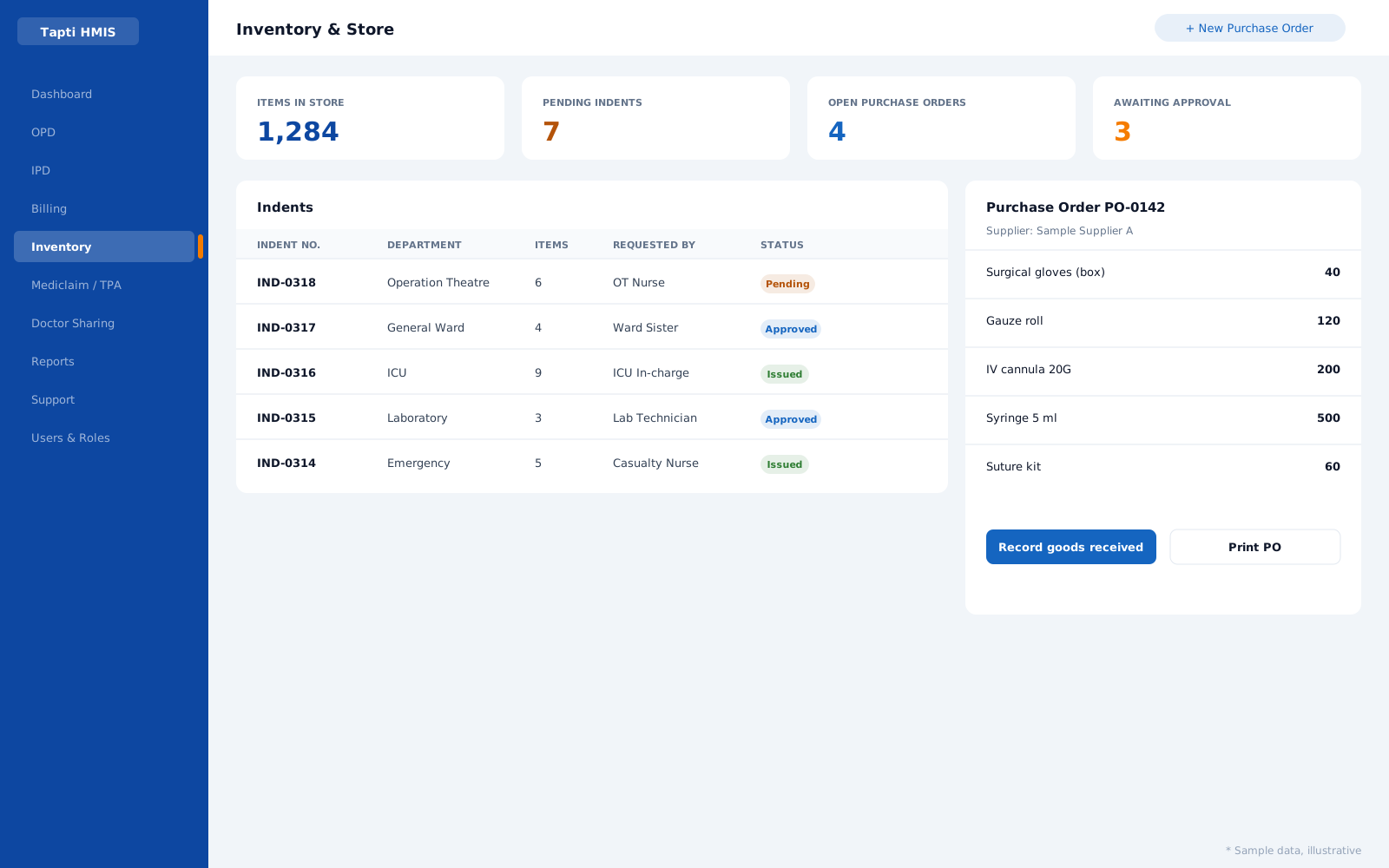
What the Inventory module does
Store departments and item masters
Set up store departments and item categories, with a full item master for everything the hospital stocks.
Indents for internal requisitions
Wards and departments raise indents to request stock from the store, so every requisition is on record.
Item approval workflow
Requests pass through an approval step before stock moves or money is spent.
Purchase orders
Create and manage purchase orders to suppliers, and print them as formal PO reports.
Goods received and purchase payments
Record purchases as goods arrive and track payments against each purchase.
Printed indents and POs
Indent and purchase-order print reports for signatures, filing and audit.
In practice
The OT store, under control
The OT raises an indent for surgical consumables. The store manager approves it, sees the item is low, and raises a purchase order to the supplier. When the goods arrive they are recorded against the PO, and the payment is tracked against the purchase. Every step prints, so audit is a file, not a hunt.
Illustrative scenario.
Inventory questions
Can departments request stock from the store?
Yes. Departments raise indents, which are internal stock requisitions, and indents can be printed.
Is there an approval step?
Yes. The inventory module includes an item approval workflow.
Does it handle purchase orders and goods received?
Yes. You create purchase orders, record purchases as goods are received, and track purchase payments.
Which package includes inventory?
Inventory & Store is part of the Full Suite.
Run your hospital on one platform.
See Tapti HMIS live in a 30-minute walkthrough, tailored to your hospital's departments, beds, and workflows.