
Hospital MIS reports, by doctor, department and day
Included in: Standalone Modules · OPD + IPD · Full Suite See pricing
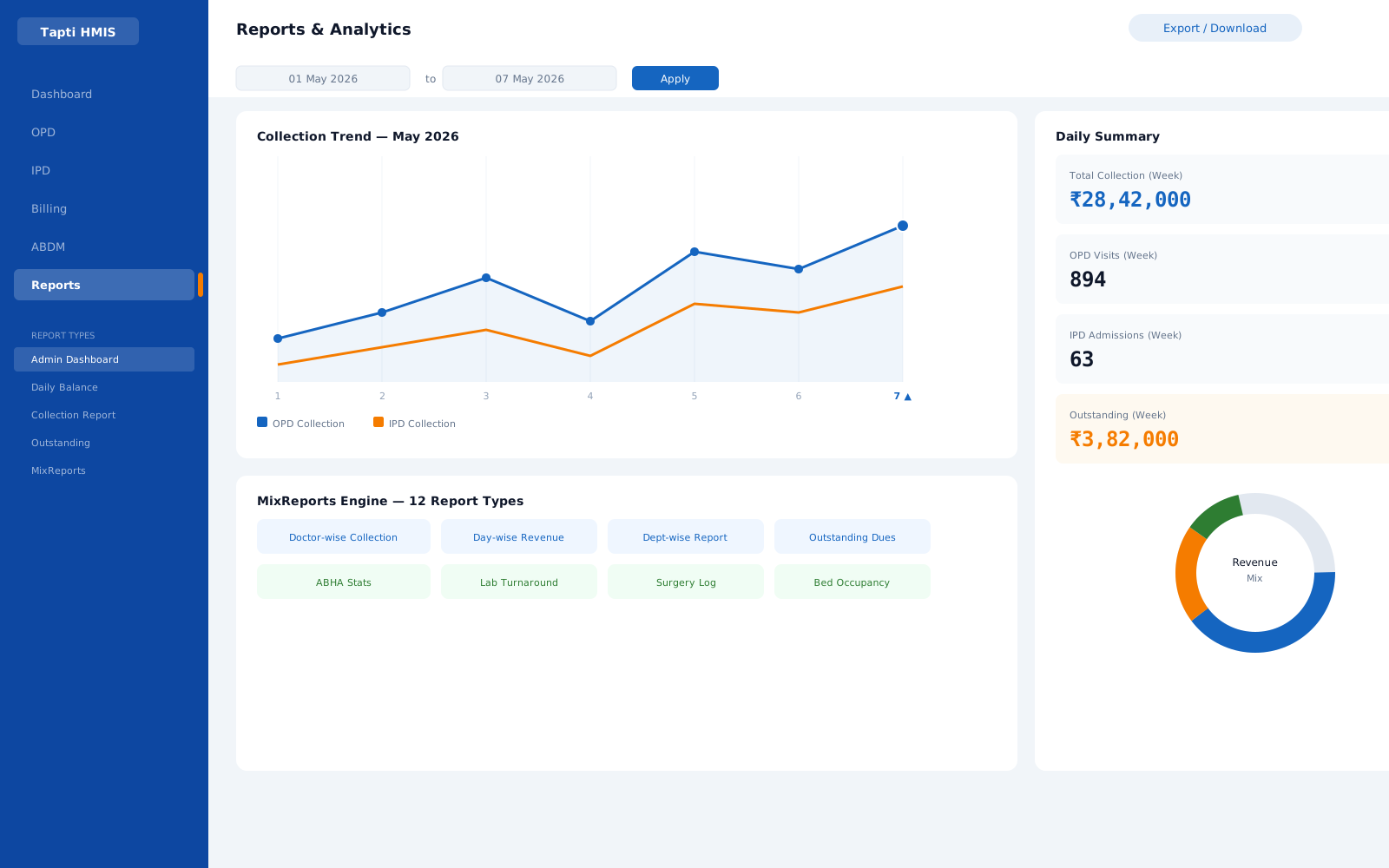
* Sample data, illustrative
What the Reports module does
Doctor-wise revenue and patient counts
Revenue per doctor and patient volume per doctor, plus referral-doctor patient counts to see where patients come from.
Department and category breakdowns
Revenue by department and by charge category, so you can see which services carry the hospital.
Detail and summary reports
Line-item invoice detail across OPD, IPD and diagnostics, or aggregated summaries of the same.
IPD bill summaries
A consolidated IPD billing overview, plus a compact single-line version.
Outstanding tracking
Unpaid invoices individually or as aggregated outstanding totals, alongside payment-receive reports.
Daily balance and collections
Daily balance reports filterable by date, time, doctor, payment type and user, with user-wise and date-wise collection reports.
Reports questions
What reports does Tapti HMIS include?
The MixReports engine includes detail, summary, category-wise, department-wise, doctor-wise, doctor patient count, referral doctor patient count, IPD bill summary, outstanding, outstanding summary and receive reports, plus daily balance and collection reports.
Can reports be filtered by date?
Yes. Every report supports date-range filtering, and daily balance reports also filter by time, doctor, payment type and user.
Can we see revenue per doctor?
Yes. Doctor-wise reports show revenue per doctor, and separate reports count patients per doctor and per referring doctor.
Is reporting included in every plan?
Yes. Reports are included in the Standalone Modules, OPD + IPD and Full Suite packages.
Works hand in hand with
Run your hospital on one platform.
See Tapti HMIS live in a 30-minute walkthrough, tailored to your hospital's departments, beds, and workflows.