
On this page
- What "small hospital" really means for software
- The 7 criteria that matter
- 1. Does it cover the whole patient journey?
- 2. Is it modular, so you pay for what you use?
- 3. Can your staff learn it in days, not months?
- 4. Does billing match how Indian hospitals actually bill?
- 5. Is the insurance workflow built in, not bolted on?
- 6. Is it ready for ABDM?
- 7. What happens after go-live?
- Four traps small hospitals fall into
- A simple shortlisting method
- Realistic go-live timelines
- Ready to see it on your own scenario?
- Frequently asked questions
- What is the best HMIS for a small hospital in India?
- How much does HMIS software cost for a small hospital?
- Can a 10-bed hospital use a full HMIS?
- Is cloud or on-premise better for a small hospital?
- How long does implementation take?
- Do I need separate pharmacy software?
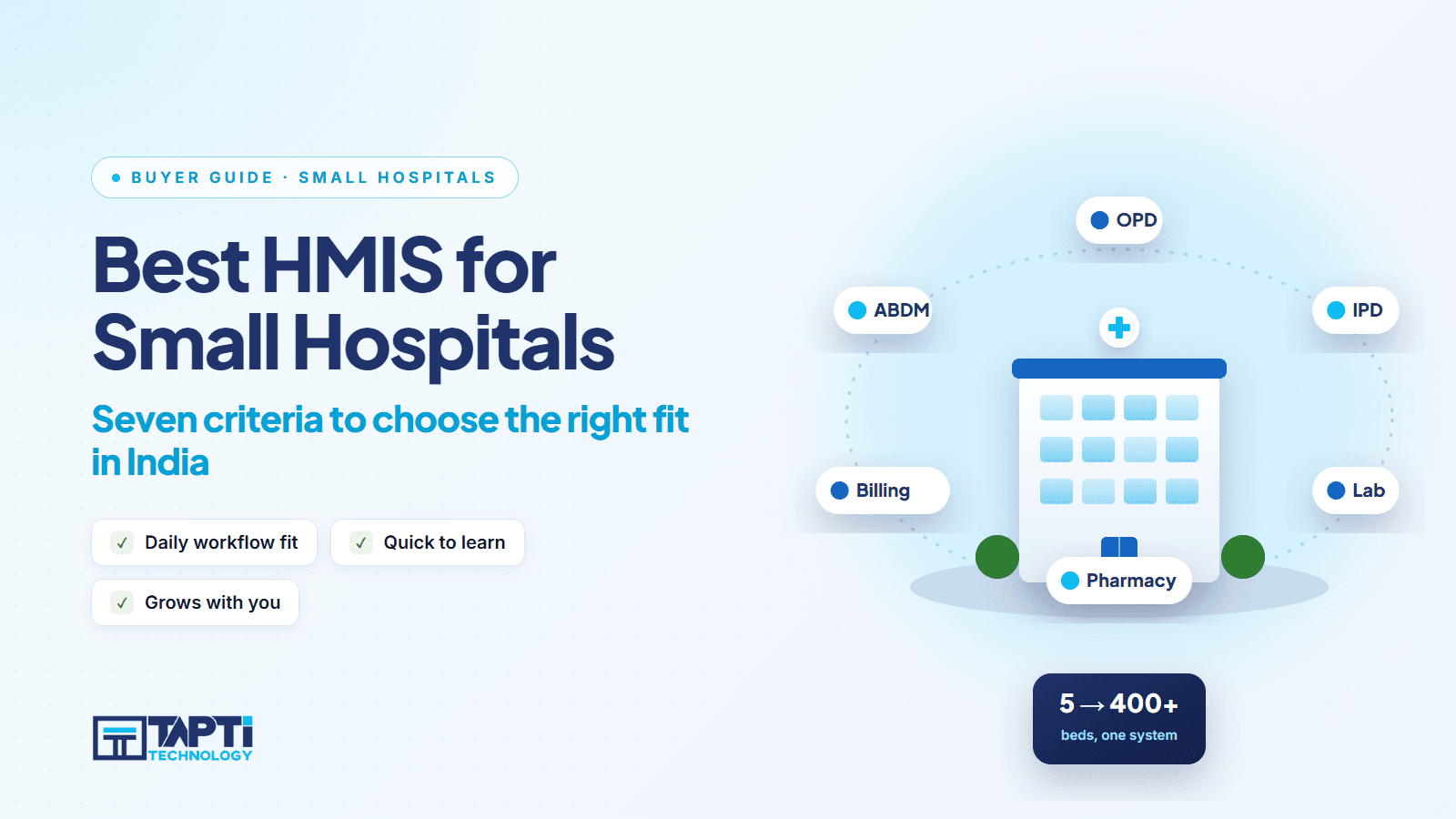
There is no single "best" HMIS. There is the best HMIS for your hospital: your bed count, your departments, your staff, your budget and your patience for training.
That matters most for small hospitals. A 10 to 30 bed hospital is the hardest customer to serve well. You need the same breadth as a big hospital (OPD, IPD, billing, lab, pharmacy, insurance), but you have no IT department, a handful of front-desk staff and a margin that cannot absorb a six-month rollout.
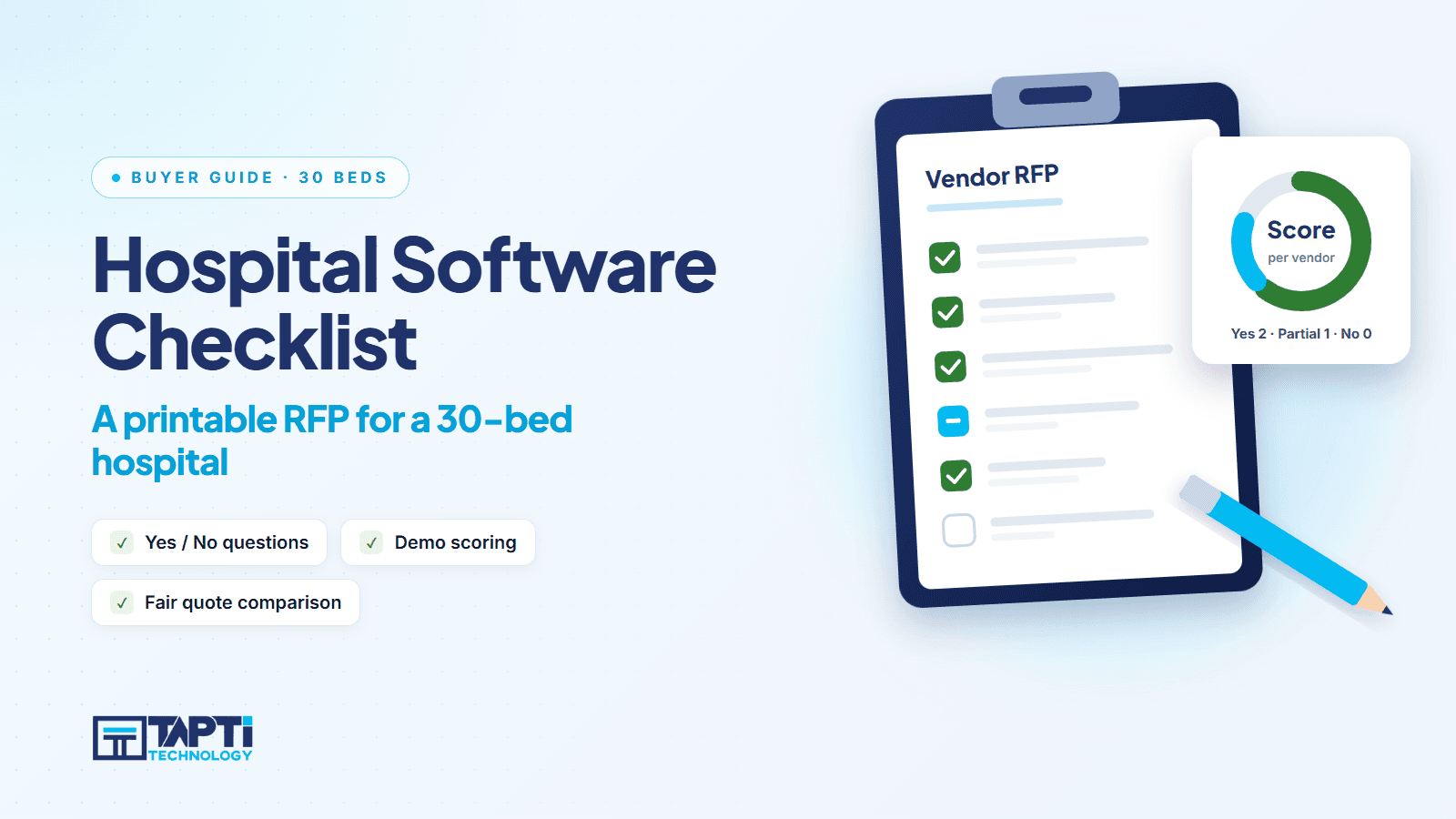
This guide gives you seven criteria to shortlist by, the traps buyers walk into, and the questions to put to every vendor. It is written for owners and administrators, not IT teams. If you want a scoring sheet to print, see our 30-bed evaluation checklist.
What "small hospital" really means for software
Small hospitals are not small versions of large ones. Three things change:
One person does three jobs. The same receptionist registers patients, takes deposits and prints discharge cards. Software must be quick to learn and forgiving.
The owner is also the administrator. You want daily collection and outstanding numbers without asking anyone.
There is no room for shelfware. Paying for forty modules you will never switch on is a cost, not a feature.
So the question is not "which HMIS has the most features?" It is "which HMIS covers my daily work, and lets me add the rest later?"
The 7 criteria that matter
1. Does it cover the whole patient journey?
Walk one patient through your hospital on paper: registration, OPD consultation, lab test, admission, daily charges, surgery, discharge, bill, insurance. Now ask the vendor to walk the same patient through their software without switching products.
A system that handles OPD well but pushes IPD into a spreadsheet leaves you with two sources of truth. Look for OPD, IPD, lab, billing and, if you run a theatre, surgery and OT in one product.
2. Is it modular, so you pay for what you use?
A solo practitioner needs OPD. A 12-bed nursing home needs OPD, IPD and billing. A 30-bed hospital with an in-house lab and pharmacy needs everything. A good vendor lets you start with one module and add the next without migrating data.
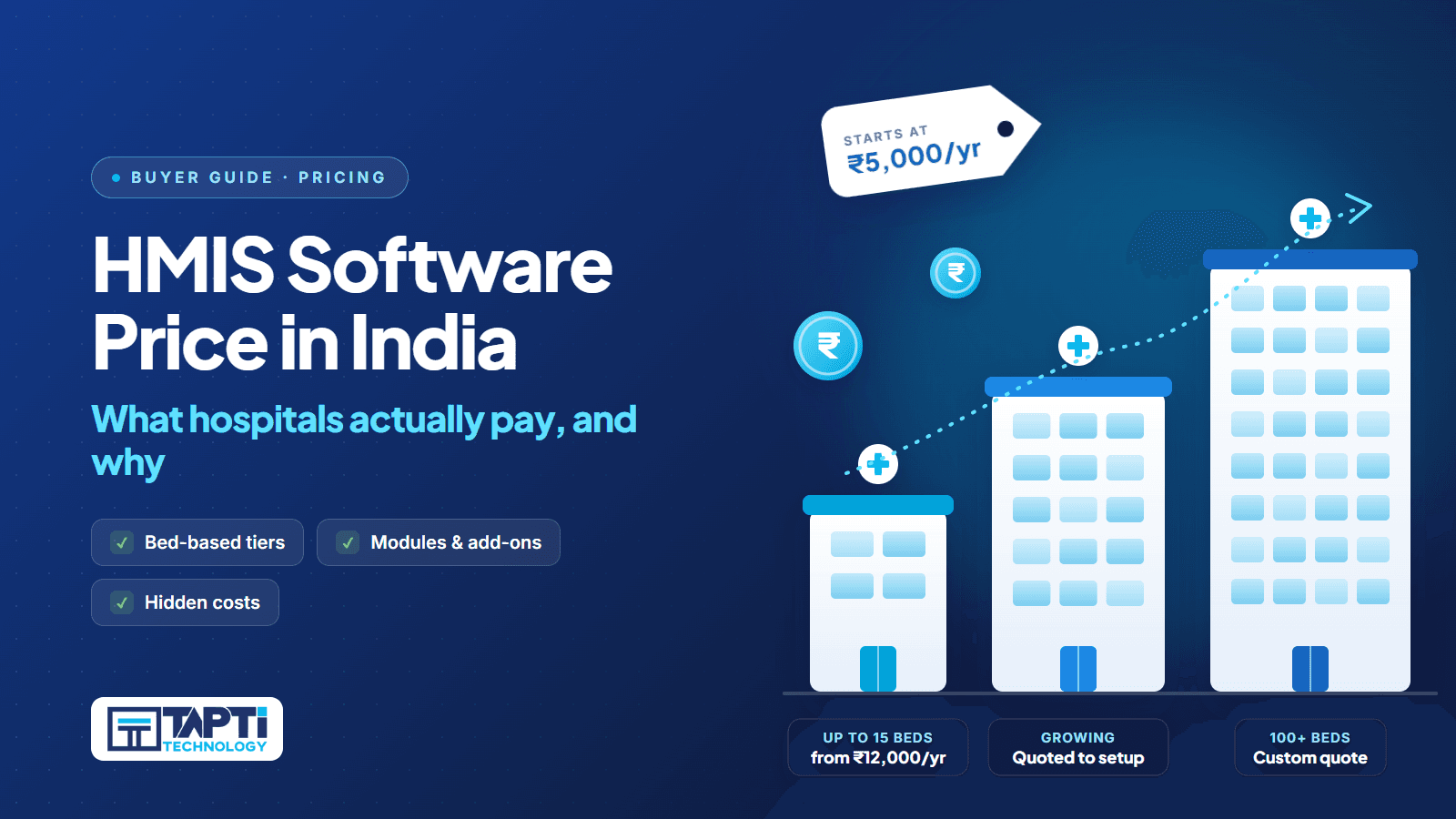
Tapti, for example, sells in three public packages: Standalone Modules (OPD, Laboratory or Pharmacy, from ₹5,000 a year), OPD + IPD for small hospitals up to 15 beds (from ₹12,000 a year) and the Full Suite (from ₹15,000 a year, up to 15 beds). Above 15 beds, pricing is quoted to your setup. For how bed count shapes price, read our HMIS software price guide.
3. Can your staff learn it in days, not months?
Ask to see the registration-to-bill path for an OPD patient and count the clicks. Ask what the front desk sees after a doctor finishes a consultation. Good software moves status for you: the doctor calls the next patient, and reception sees it live. Tapti HMIS also prints OPD tokens and shows the queue on a waiting-area TV, and doctors and nurses can use it on a tablet during ward rounds.
Then ask about training. Tapti's team works from Surat, Gujarat and can do on-site implementation and training at any location in India. Onboarding includes role-based training for reception, doctors, nurses, lab technicians, billing staff and administrators, plus printed reference guides and a built-in support ticket system for follow-up questions.
4. Does billing match how Indian hospitals actually bill?
Generic software breaks on Indian billing. Check for:
Separate flows for OPD, IPD, diagnostics and health packages
GST and HSN code support
Invoice numbering that follows the April to March financial year
Cash, card, UPI and cheque as payment types
IPD deposits, with receipts
Automatic daily room charges, so a night in a bed never goes unbilled
Revenue leakage in small hospitals is rarely fraud. It is a forgotten room charge on day three. Automation closes that gap. See how billing handles it.
5. Is the insurance workflow built in, not bolted on?
If a good share of your IPD patients are on mediclaim, your TPA workflow is a revenue process. You want a TPA master, a cashless request per admission, pre-authorisation, submission, payment and rejection tracking, claim form printing, and a link between the claim and the IPD invoice. Read how that works in Mediclaim and TPA.
6. Is it ready for ABDM?
ABHA creation and verification increasingly happens at the registration desk. Check that the ABHA flow lives inside patient registration, not in a separate portal your staff must log into. Tapti HMIS is officially ABDM-integrated for milestones M1, M2 and M3, listed by the National Health Authority as an ABDM integration partner (integration completed 18 Sep 2026). Ask any vendor for their official listing, not just their brochure. Our guide to what to check for PM-JAY and ABDM readiness goes deeper.
7. What happens after go-live?
This is where small-hospital projects fail. Ask:
Where is data hosted, and who backs it up? Tapti offers cloud hosting managed by Tapti with daily backups, and on-premise deployment for hospitals with infrastructure or compliance needs.
How do you raise a problem, and is it tracked? Phone calls and WhatsApp messages disappear. A ticketing system does not. See support tickets.
Can you control who sees what? Per-screen View, Add, Edit and Delete permissions, plus an audit trail of every create, update and delete, protect you when staff change. See users and roles.
Four traps small hospitals fall into
Trap 1: buying for the hospital you might become. Pick for today plus twelve months. A modular product handles the rest.
Trap 2: judging by the demo screenshot. Screenshots are curated. Ask for a live demo with your own scenario: an emergency IPD admission at night, a discharge with a pending TPA approval, a patient who returns for follow-up.
Trap 3: ignoring migration. You already have patients. Ask how existing records come across. Tapti has patient bulk import from Excel built in, and the team supports custom migration plans for billing history and master data.
Trap 4: treating price as the only filter. The cheapest licence plus a paid customisation plus a paid training day is rarely the cheapest. Ask for the full cost in writing, including add-ons. At Tapti, for instance, WhatsApp Business integration is always a paid add-on and never bundled. Ask every vendor what is and is not included.
A simple shortlisting method
List your departments and mark each as daily, weekly or never.
Cut any vendor that cannot cover the "daily" list in one product.
Ask the remaining vendors for a written price for your bed count.
Run the same live scenario with each.
Call one reference hospital of your size.
Five vendors become two in a week. Then the decision is about people and support, not features.
Realistic go-live timelines
Most hospitals go live with Tapti within 2 to 4 weeks for OPD-only and 4 to 8 weeks for the Full Suite, depending on data migration scope and training schedule. Be suspicious of any vendor promising "live tomorrow" for a hospital with IPD, billing and insurance.
Ready to see it on your own scenario?
Book a free demo and bring your trickiest case. We will run it live. Explore the OPD queue system, IPD management software and the full HMIS software for India overview, or book your demo now.
Frequently asked questions
What is the best HMIS for a small hospital in India?
The best one covers your daily workflow in a single product, is priced for your bed count, and comes with training and tracked support. Shortlist on those three, then test with a live demo.
How much does HMIS software cost for a small hospital?
It depends on bed count and modules. Tapti's public starting points are ₹5,000 a year for a standalone module (up to 3 users), and ₹12,000 a year (OPD + IPD) or ₹15,000 a year (Full Suite) for hospitals up to 15 beds. Above 15 beds, quotes are tailored. See the price guide.
Can a 10-bed hospital use a full HMIS?
Yes, if the product is modular. Start with OPD, IPD and billing, and add lab, pharmacy, inventory, surgery and mediclaim as you grow.
Is cloud or on-premise better for a small hospital?
Cloud removes the need for a server and IT staff, which suits most small hospitals. On-premise suits hospitals with existing infrastructure or specific compliance needs. Tapti supports both.
How long does implementation take?
Typically 2 to 4 weeks for OPD-only and 4 to 8 weeks for the Full Suite, depending on data migration and training.
Do I need separate pharmacy software?
Tapti Pharmacy is bundled with the Full Suite. With other packages it can be added as a sister product. See Tapti Pharmacy.