
On this page
The OPD is the first thing every patient experiences at your hospital. It is also the workflow most punished by software friction — every wasted click, every redundant field, every search delay multiplied by the volume of walk-ins.
Here is what a well-designed OPD looks like, end to end.
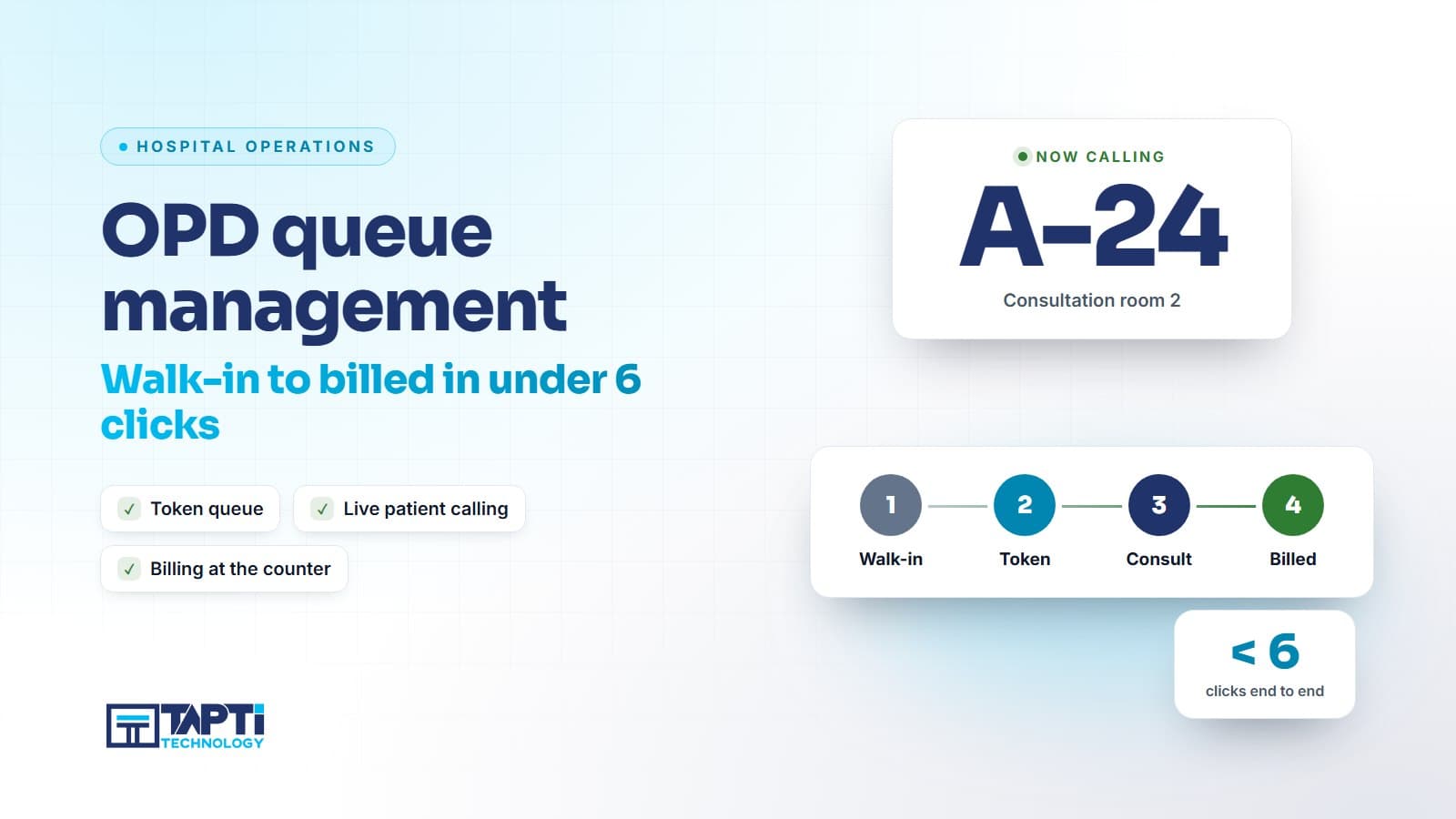
The 6-click target
From a fresh walk-in to the patient holding a billed slip and walking to the doctor's chamber, the front-desk operator should make at most six clicks:
- Search by phone number → existing patient appears OR "+ New patient" shows
- Confirm or capture demographics (one screen, six fields)
- Pick doctor / department
- Choose service / consultation type
- Apply discount (if any) / capture payment mode
- Print & hand over
Anything beyond this is friction.
ABHA at registration, not as a separate step
Step 1 should also be where ABHA happens. The patient's phone number is captured anyway; with one extra OTP, their ABHA is linked or created right there. Sending the patient to a "separate ABDM counter" is the surest way to make sure ABHA linking never happens in your hospital.
Queue numbers that mean something
Once billed, the patient should:
- See their queue number on the printed slip
- See the same queue number on the waiting-area display (auto-updated as doctors complete consultations)
- Optionally receive a SMS / WhatsApp when they are next
The hospital with a working queue display sees patient satisfaction jump even without any clinical change. People hate waiting; they tolerate waiting with a clear ETA.
The doctor's side
The doctor should:
- See the OPD queue for the day on their screen
- Click a patient → consultation screen opens with history, allergies, recent reports
- Write prescription + advise + close → next patient ready
The prescription, the moment it's saved, should:
- Be visible to the in-house pharmacy
- Be visible to billing for any non-bundled tests
- Be attached to the patient's ABHA
One click, three downstream effects. That's the whole point of an integrated HMIS.
What slows OPD down (and shouldn't)
- Mandatory fields that aren't actually used downstream (full address with PIN code for a single OPD visit? skip)
- Modal popups asking for information already in the patient's record
- Switching modules to apply a discount
- Printer dialogs that need confirmation every time
The Tapti approach
Tapti HMIS's OPD module is built around the 6-click target. The same screen does registration, ABHA linking, billing, and printing — no module switches. Queue display, SMS notifications, and doctor-side queues all wire into it out of the box.
The result, in production hospitals: median walk-in-to-doctor time drops by 30–40% in the first month.
Book a demo and we'll run a live walk-in flow on your hospital's department list.